
Remote Control: Copilot vs Claude Code
Both GitHub Copilot and Claude Code support remote-control sessions from their mobile apps — meaning you can kick off work on your laptop, walk out the door, and keep supervising the agent from your phone. I tried this with both, and it worked better than I expected.
Copilot and Claude Code both can “remotely control” a session from their respective mobile apps. All the work context happens on your computer, but you can monitor and control the interface remotely. Your desktop or laptop is the execution environment, and your phone becomes the agent interface for supervising, approving, and checking progress.
Some examples where this might be valuable:
-
Long-running tasks: you can kick off something ambitious that will take some time, and don’t need to physically sit there and babysit
-
Unblocking the agent when it needs a decision or confirmation (especially useful with Claude Code’s mobile notification support)
-
Small production fixes from anywhere
-
Voice-driven coding supervision, start some tasks and then talk to it while you walk your dog
Anything where you are deeply participating in the flow or need to carefully watch the code changes are probably not good fits. Going mobile could be a forcing function to help learn more about agentic workflows and letting agents run on your behalf.
I recently tried both Copilot and Claude Code with some small sample projects. Let’s see how well they worked.
GitHub Copilot
For Copilot, support for remote sessions is built into the GitHub mobile app. Once you have that and are signed in, follow the steps here to initiate a remotely controlled session: Steering a GitHub Copilot CLI session from another device.
The task I chose was changing my blog to automatically use smart quotes. In my prior build on WordPress, I had smart quotes configured, but in the move to Eleventy I forgot. (Additional inspiration was running across Smart Quotes for Smart People again recently.)
I started copilot on my Mac laptop, enabled remote control (/remote on), and gave it a starting prompt:
I want to enable smart quotes for all web content, except for any code snippets that are shared. Analyze how we can add that.
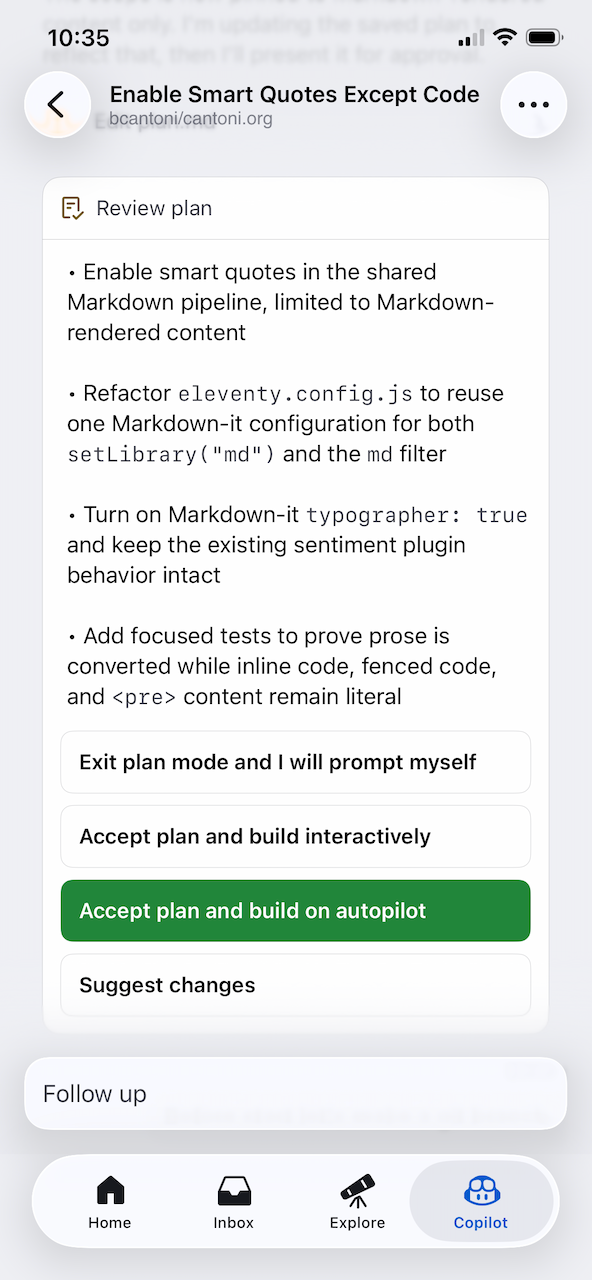
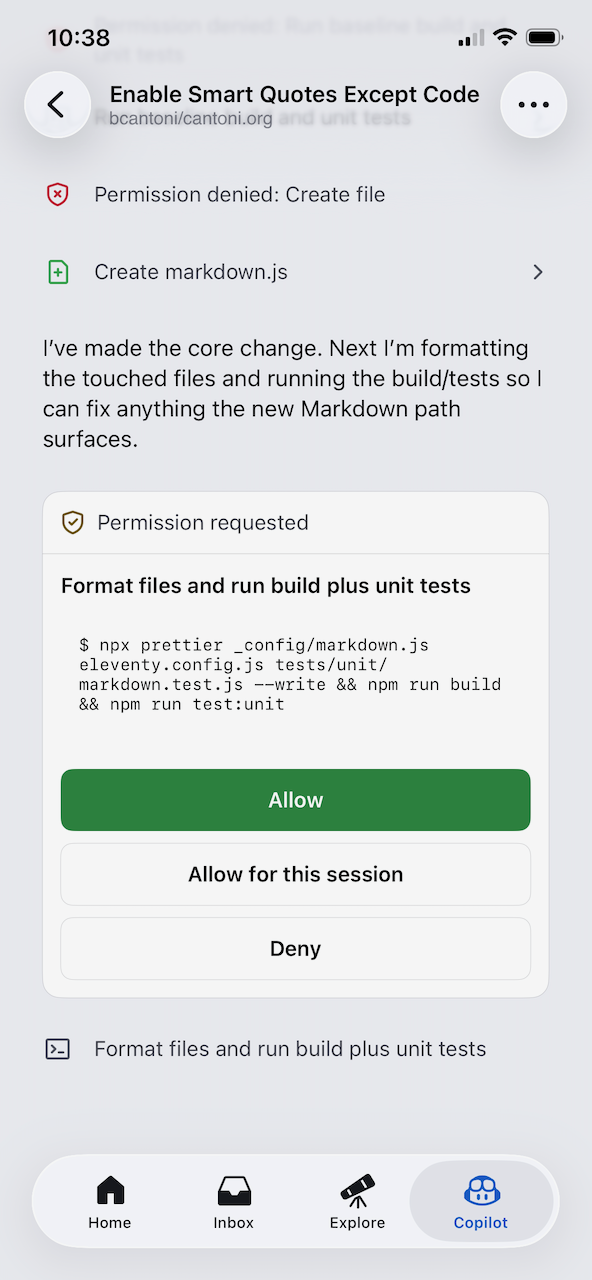
From the GitHub mobile app, it was easy to click into the session and follow along. I had my laptop next to me, but I was able to drive everything from mobile:
-
Permission prompts
-
Asking it to run tests
-
Create a pull request, commit, push (all using the
ghapp on the Mac) -
Viewing the preview build
-
Finding one more fix to make (quotes in headlines)
-
Merging the final PR from the GitHub app
I only ran into one issue where the laptop had a prompt waiting for me, but it wasn’t shown on the mobile side. Something to keep an eye on if you were going to try this for fully remote operations.
One nice thing Copilot has (which Claude doesn’t yet) is the /keep-alive command which is meant to keep your computer from sleeping. My session wasn’t long enough to test this, but it seems useful.
Everything worked! Some screenshots:
Claude Code
For Claude Code, the setup mirrors Copilot’s: install the mobile app, sign in, and start a session."
You’ll need the Claude mobile app installed and signed in, then you can initiate remote sessions following the docs: Continue local sessions from any device with Remote Control.
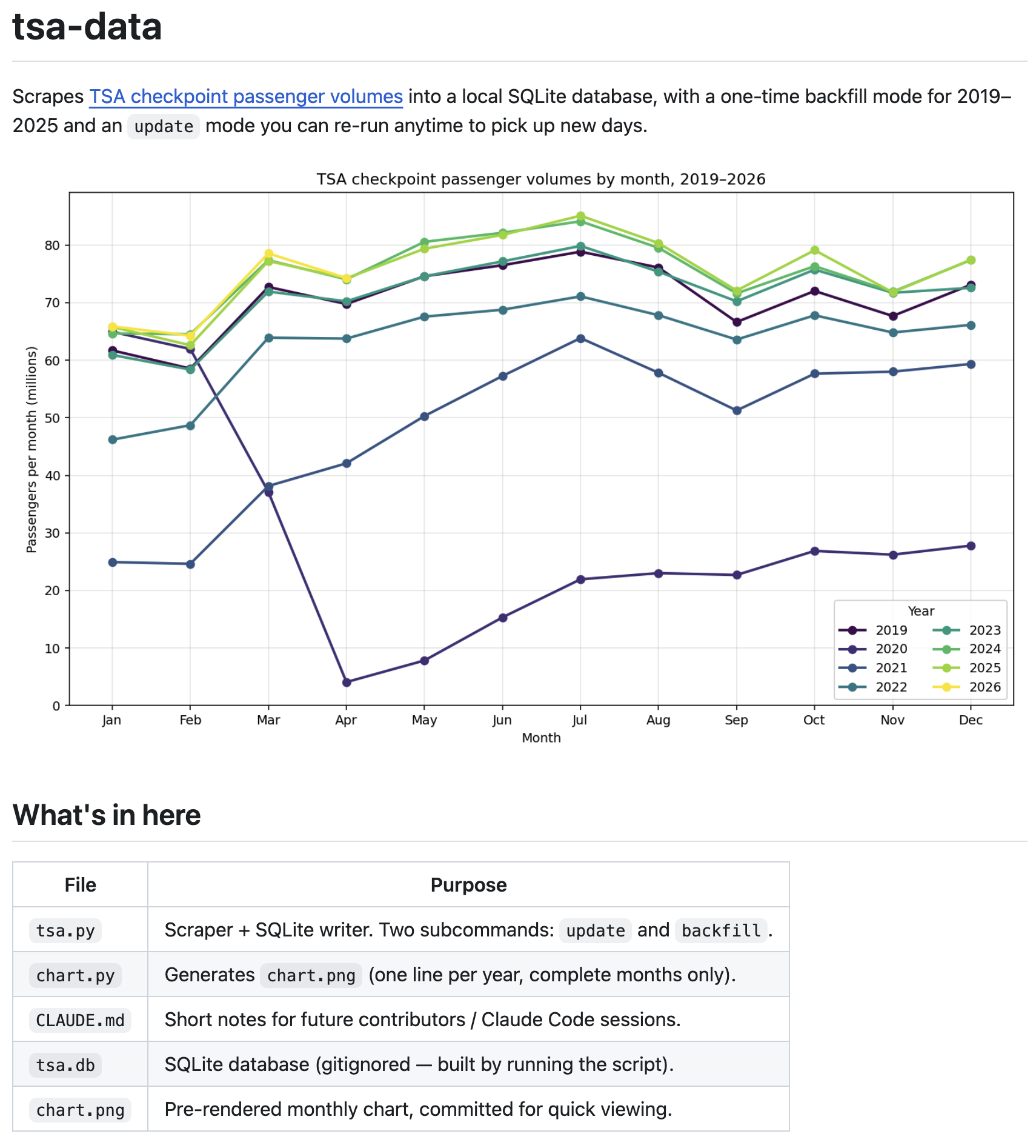
My task for Claude was a little more ambitious: create a new project to collect TSA traveler numbers from the government (TSA checkpoint travel numbers) and save locally. (This is a data source I’ve been wanting to explore further in Tableau.)
Once Claude got started (first with the plan, then with the build), everything ran smoothly. Just like my Copilot test, I had my laptop open and following along but drove everything from my mobile.
This was my initial prompt with my problem statement:
make a plan for a python script that will fetch TSA travel data from https://www.tsa.gov/travel/passenger-volumes and save in a local sqlite database; I also want a one-time catch up mode to download from 2019-2025 from pages like https://www.tsa.gov/travel/passenger-volumes/2019
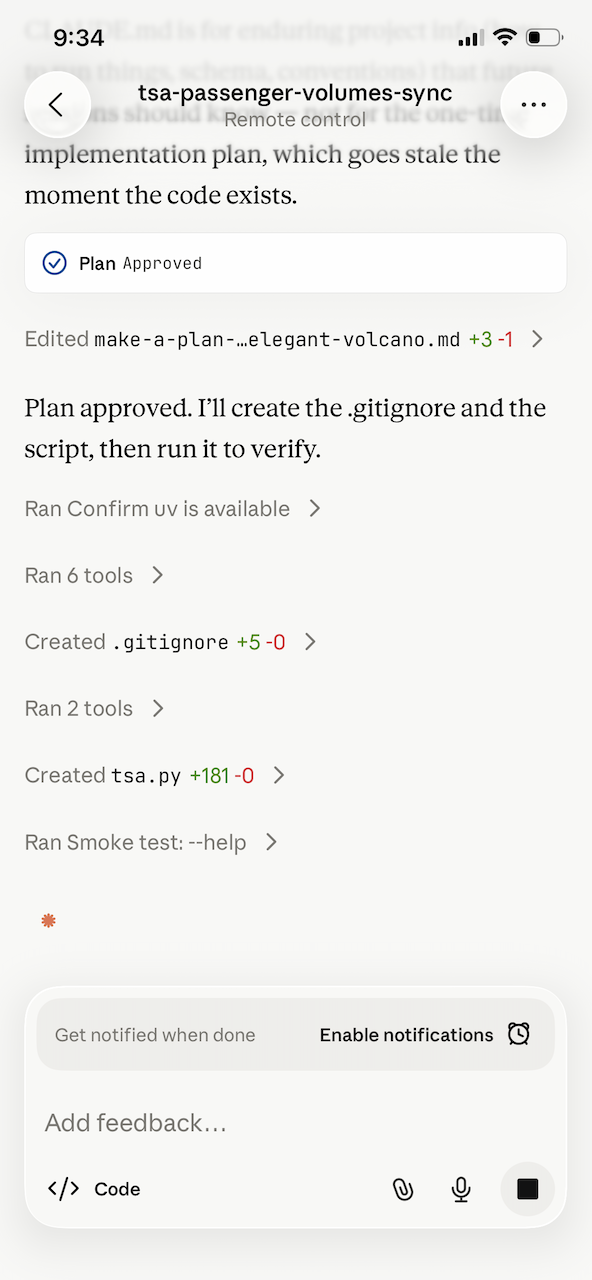
This was the sequence I was able to drive from mobile:
-
Approve the proposed plan
-
Approve tool usage
-
Watch Claude do everything automatically ☺
-
Ask for CLAUDE.md to be created
-
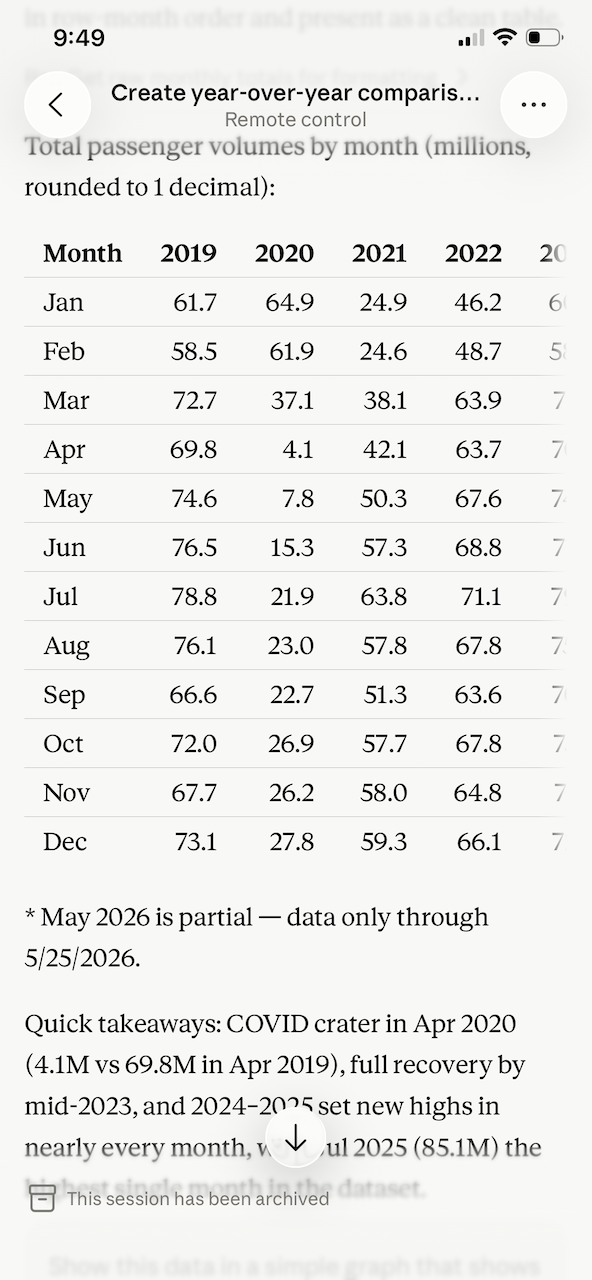
Ask to analyze the data, first in table format then a simple line chart
-
Create a new git repo and push (using
ghon the Mac) -
As a final step, ask Claude to create a README.md and add the MIT license
Everything worked well; here are a couple of screenshots:
This was a useful demonstration, not because it was big or complicated, but it shows how much you could get done by driving remotely.
Here is the resulting project on GitHub, including documentation, the scripts, and the data file: bcantoni/tsa-data. Stay tuned for future projects using this data!
Both tools handled remote supervision well. For this kind of light async work, either will do the job. I’d give an edge to Claude Code; it’s push notifications support gives it a small edge for truly unattended sessions.
- ← Previous
You Can Just Do Things! - Next →
Motivation for Managers: That’s the Job!